

Ross
Goblin Professor

- Ross Goblin Professor
The LSJ donor comes with 4 gauges, and it is a little too sparse for my liking. Boost, speed, fuel level, & tachometer.
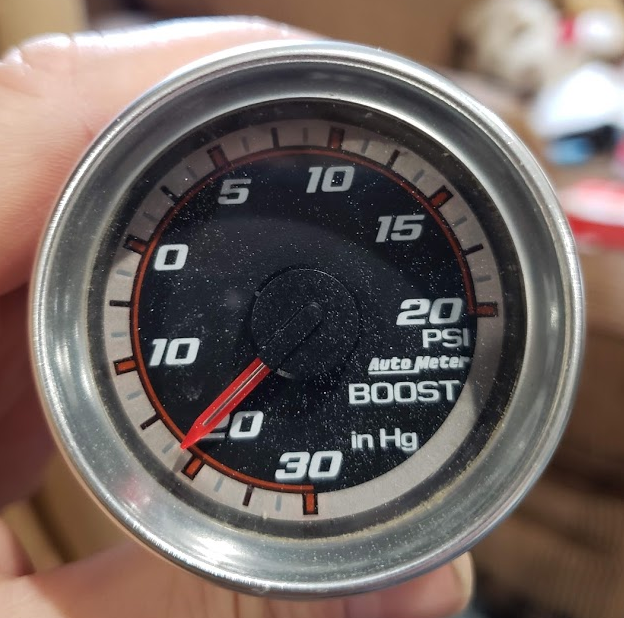
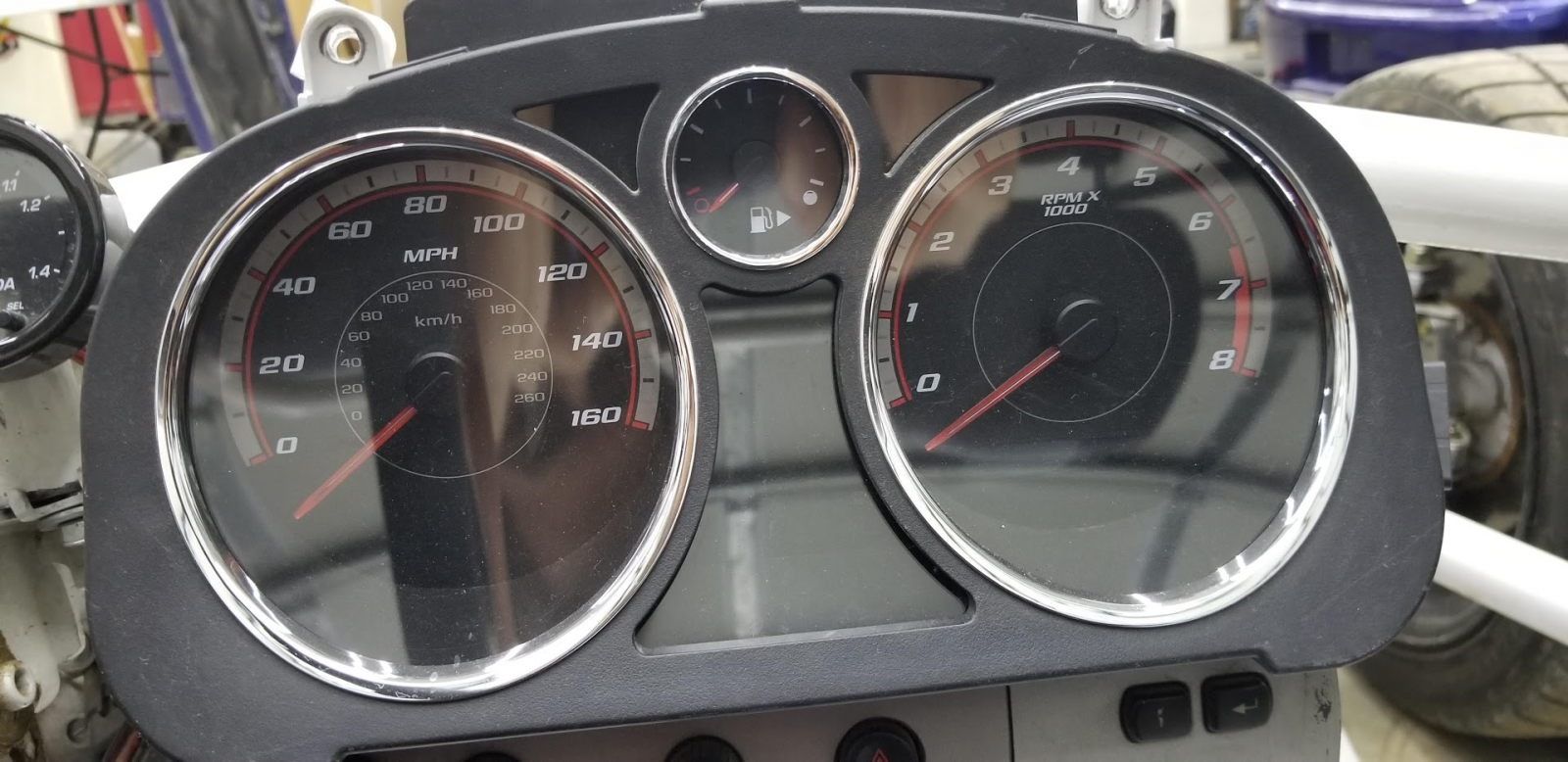
I am adding an oil pressure, fuel pressure and intake temperature. I debated going digital flat screen, but the cons outweighed the pros. (Hard to see in bright sunlight, the oil and fuel pressure aren't on CANBUS or even on the engine, slow to boot up and show oil pressure on startup, and the digital screen is expensive. Well so is a LED gauge set... but these gauges are pretty inexpensive.)
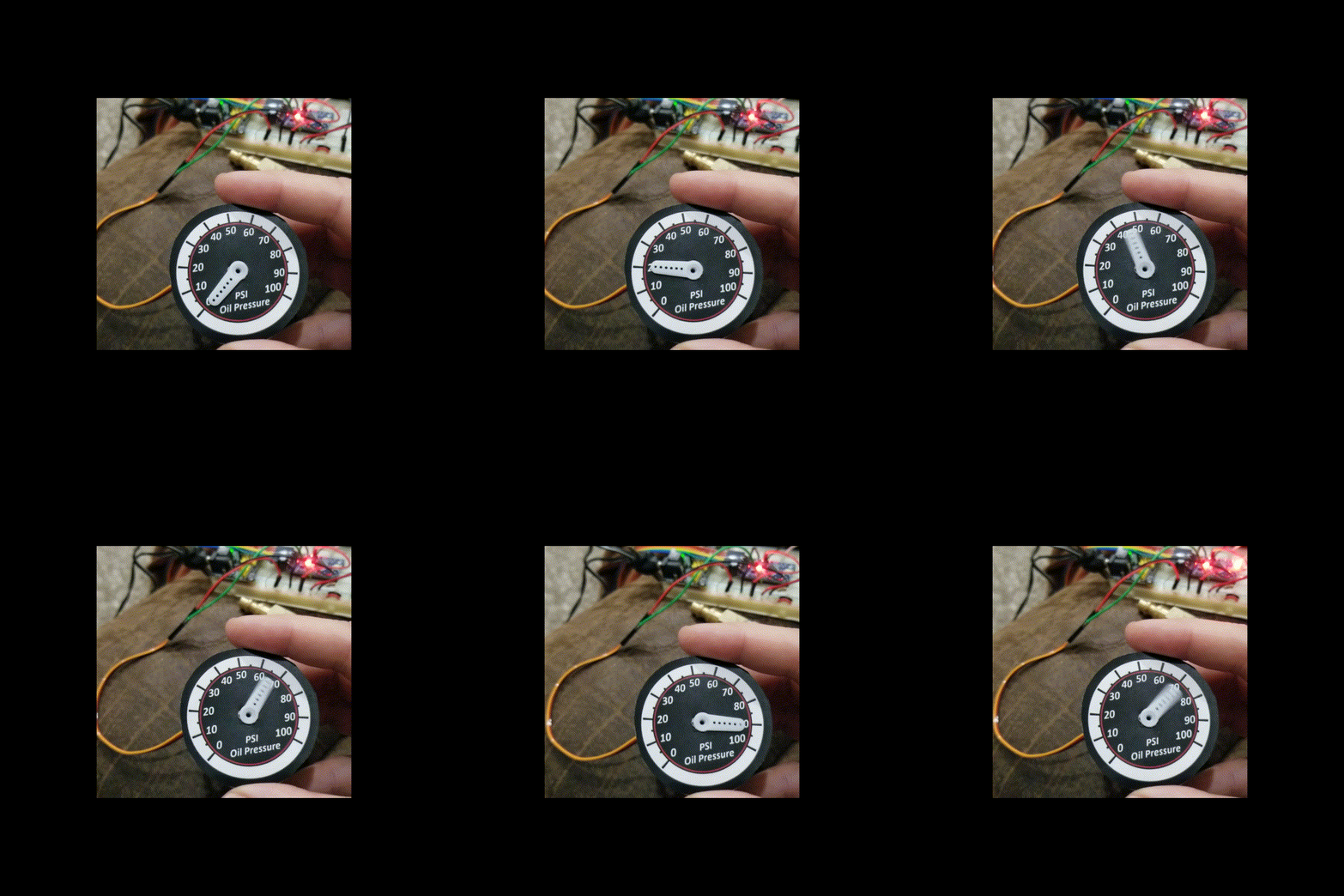
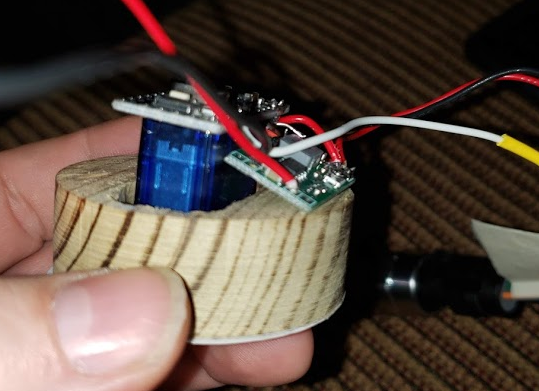
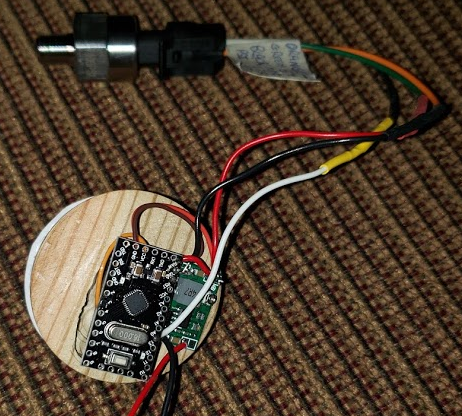
Today I migrated off the breadboard, and hot glued an Arduino ProMini on the back of a 9G servo, and added a 12V to 5V converter on the side, and soldered them up with a 100 PSI sensor.
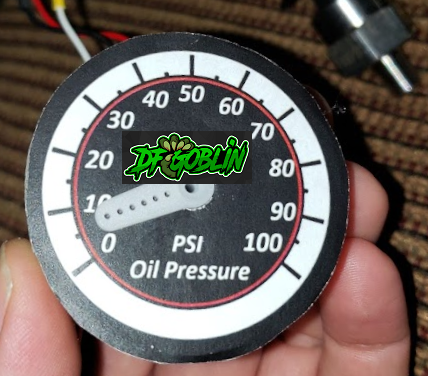
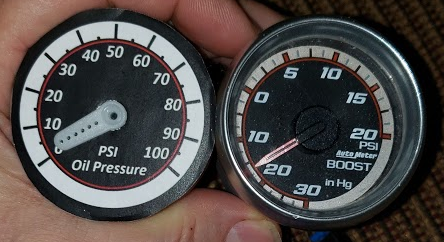
When I used GIMP software to make the faceplate, I didn't have the boost gauge, but it was close. I will add the DF Goblin logo, change the font, add more red, it will get there. They are both a little over 2" in diameter, and about the same depth, so they match dimensionally.
Yesterday I got Fusion 360 installed, and started learning how to make an .STL file for 3D printing.
I think it will be 4 parts:
- Silver or black PLA bezel ring to hold the clear acrylic onto the 2" can.
- Black PLA to separate the paper faceplate from the acrylic, and block the light from the center LED on the needle
- Clear PLA housing to hold the servo, paper faceplate, back LED lighting and electrical connector at the back.
- Clear PLA needle
I found where to put the oil pressure sensor on an LSJ engine.
Removed the plug in the block, and bought a oil pressure sensor.
I took about 30 pressure measurements to calibrate the oil pressure sensor. It made a straight line on the voltage vs pressure graph, so it was easy to program the Arduino microcontroller. The fuel pressure sensor arrived today, it is roughly the same as the oil pressure sensor. Should have bought 2 at the same time.
Here is my electrical notes with the pinouts used and Arduino code.
I am adding an oil pressure, fuel pressure and intake temperature. I debated going digital flat screen, but the cons outweighed the pros. (Hard to see in bright sunlight, the oil and fuel pressure aren't on CANBUS or even on the engine, slow to boot up and show oil pressure on startup, and the digital screen is expensive. Well so is a LED gauge set... but these gauges are pretty inexpensive.)
Today I migrated off the breadboard, and hot glued an Arduino ProMini on the back of a 9G servo, and added a 12V to 5V converter on the side, and soldered them up with a 100 PSI sensor.
When I used GIMP software to make the faceplate, I didn't have the boost gauge, but it was close. I will add the DF Goblin logo, change the font, add more red, it will get there. They are both a little over 2" in diameter, and about the same depth, so they match dimensionally.
Yesterday I got Fusion 360 installed, and started learning how to make an .STL file for 3D printing.
I think it will be 4 parts:
- Silver or black PLA bezel ring to hold the clear acrylic onto the 2" can.
- Black PLA to separate the paper faceplate from the acrylic, and block the light from the center LED on the needle
- Clear PLA housing to hold the servo, paper faceplate, back LED lighting and electrical connector at the back.
- Clear PLA needle
I found where to put the oil pressure sensor on an LSJ engine.
Removed the plug in the block, and bought a oil pressure sensor.
I took about 30 pressure measurements to calibrate the oil pressure sensor. It made a straight line on the voltage vs pressure graph, so it was easy to program the Arduino microcontroller. The fuel pressure sensor arrived today, it is roughly the same as the oil pressure sensor. Should have bought 2 at the same time.
Here is my electrical notes with the pinouts used and Arduino code.
Last edited:


